

Meet members’ high expectations with custom styling, tailored content, and a delightful user experience
Custom
Design
Enjoy a completely customizable member portal that’s fully integrated with Rhythm’s CMS.
No-Cost Changes
Want to do things your way? Make changes on your own without spending money.
Unique Microsites
Create your own custom microsites for events or programs to drive awareness.
Membership should be all about the benefits, not about the hassle. Give your members the online experience they deserve.
Custom Styling and Design
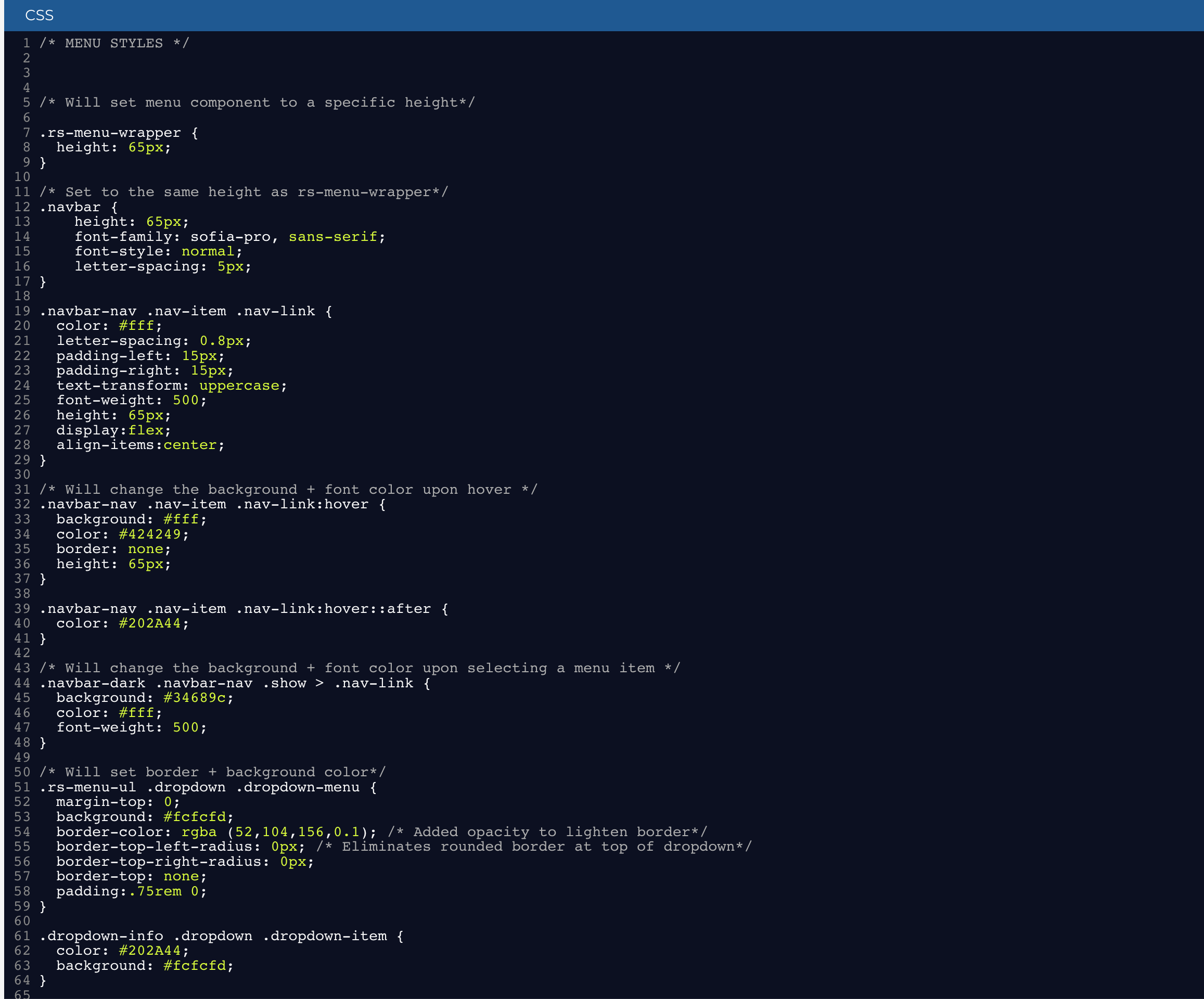
First impressions matter. Use a host of styling options to make your member portal reflect your association’s unique voice and tone. You’re never locked in, so you can make changes over time as your association grows.
- Mobile Responsive
- Custom CSS
- Support for HTML and Javascript
- Page Templates
- Support for Adobe and Google Fonts
- Configurable Menu
Content
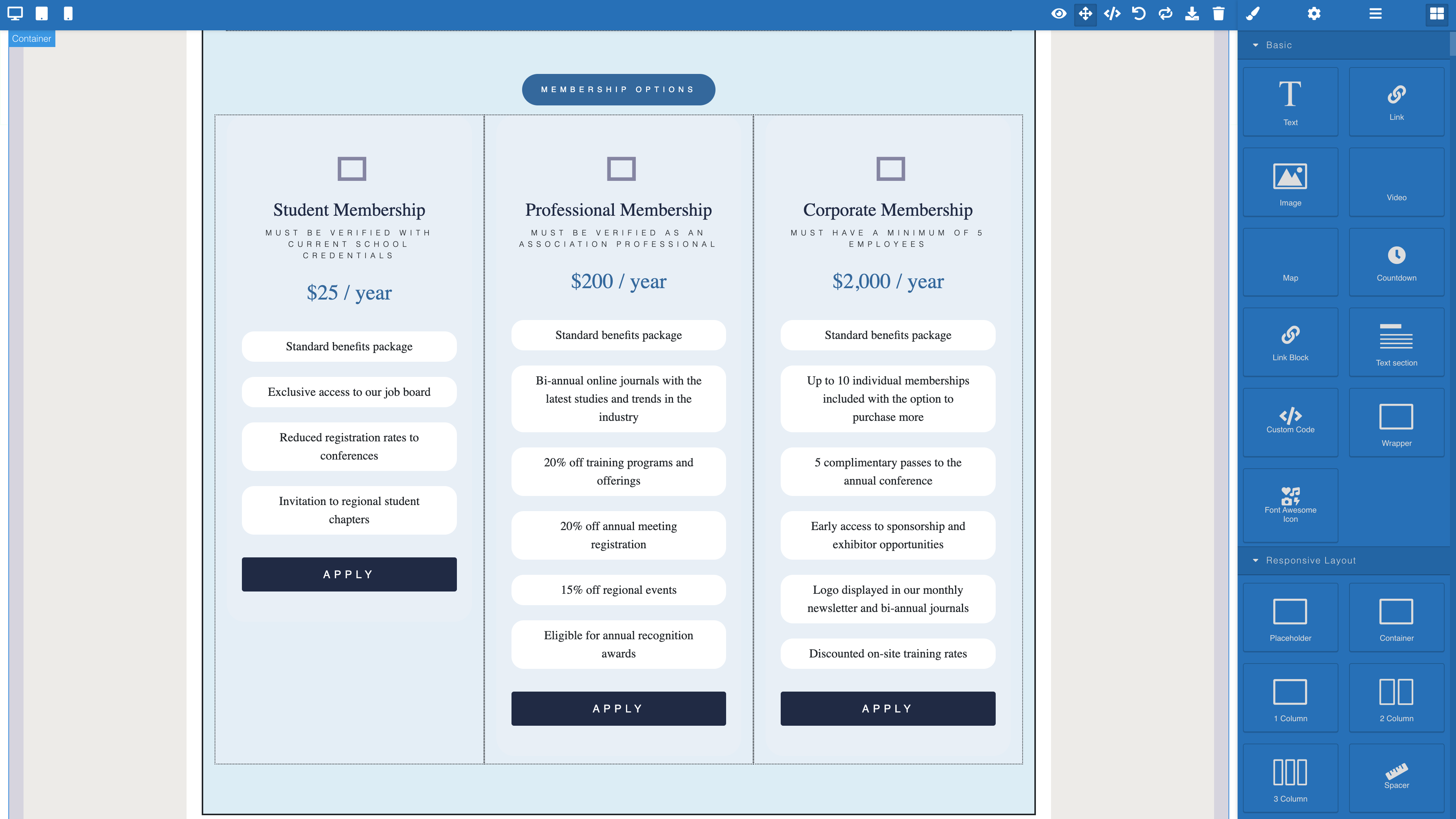
With Rhythm, you’re in full control of what is included in your portal. Instead of waiting for someone else, you can make quick and easy updates on your own.
- Drag and Drop Components
- Support for Images and Video
- Custom HTML
- Automated Pages
- Create Pages from Scratch
Feature Highlight
Level Up with Microsites
- Create a website dedicated to a specific program or initiative
- Customize your microsite with a look and feel of its own
- Use Rhythm’s built-in portal components to support forms and profiles
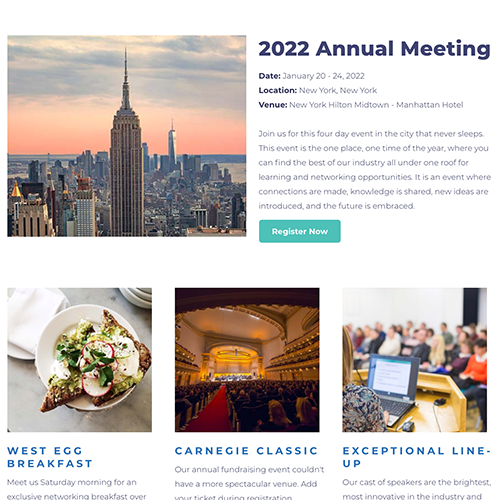
- Craft a unique website for your events with support for registration, sponsors, exhibits, speakers, and more
Frequently Asked Questions
-
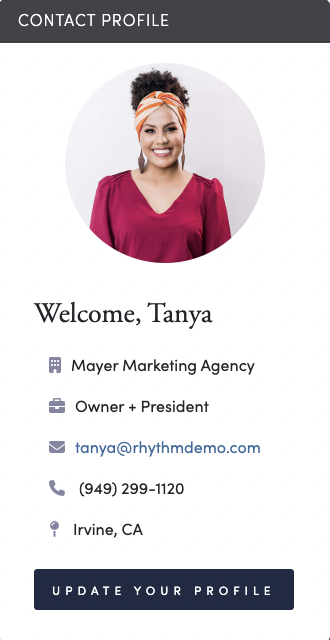
A member portal is a branded, password-protected online hub where association constituents can log in to manage their own accounts — updating contact information, paying dues invoices, registering for events, and managing their organization's roster. In Rhythm, the member portal is built on a composable CMS, so it matches your association's branding and is fully editable by your staff.
-
Yes. Members can log in and update their own contact details, communication preferences, directory opt-in/out, and any other fields your association chooses to expose. Rhythm's configurable forms engine lets staff control exactly which fields are editable by constituents — some fields (like legal name) can be locked from self-editing while others remain open.
-
Yes. Rhythm's member portal is fully responsive — pages automatically adjust to phones, tablets, and desktops, so members can register, pay invoices, and update their profile from any device without a separate mobile app. Each portal component is built to reflow cleanly at any screen size.
-
Yes. Rhythm lets staff set security policies on individual portal pages and menu items, so content is only visible to constituents who meet specific criteria. For example, only members might see resources specifically for them, and only event registrants will see a directory of other registrants. These policies are set by your staff directly in the portal editor — no developer required.
-
Yes. SSO lets members use one login to move between your Rhythm portal and other platforms — like a learning management system, online community, or website — without signing in again. Authentication runs on Auth0 using industry standards (OAuth 2.0, OIDC, and SAML), so any system that supports those standards can be connected.
-
Rhythm offers a WordPress plugin that enables single sign-on between your Rhythm member portal and your WordPress site. Once connected, members log in once and access both environments with the same login credentials. Security policies created in Rhythm — like "active member" or "board member" — are passed to WordPress, allowing you to gate member-only content on your existing WordPress site without rebuilding it.
-
It's included. Your member portal is a core part of the Rhythm platform — not a bolt-on. Applying your association's branding is part of standard implementation, and your staff get built-in tools to keep the portal current — updating text, images, menus, page layouts, and CSS.
-
Yes. Any contact record in Rhythm includes a "Login to Portal" option that lets staff impersonate that member and see exactly what they see — including which pages and menu items are visible based on their membership status and contact role. This makes it easy to test membership application flows, verify security policies are working, and troubleshoot issues without guessing what a member is experiencing.